Jeevanto works for you, and for those in your Circle.
Your Circle is the people you choose: the family on your plan, and the ones you look after or who look after you. Everyone keeps their own Jeevanto. Nothing passes between any of you without a yes.
One plan, a Jeevanto each.
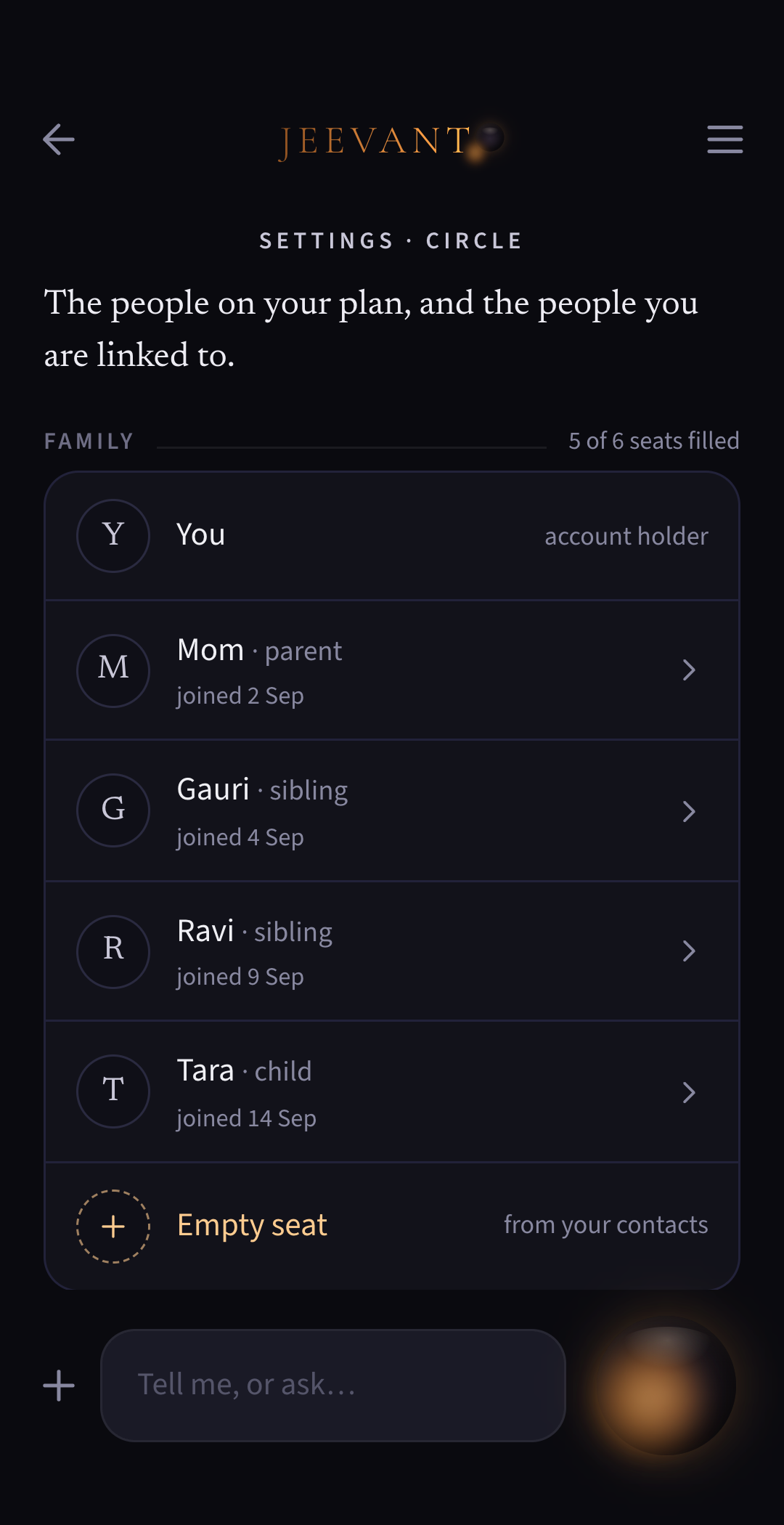
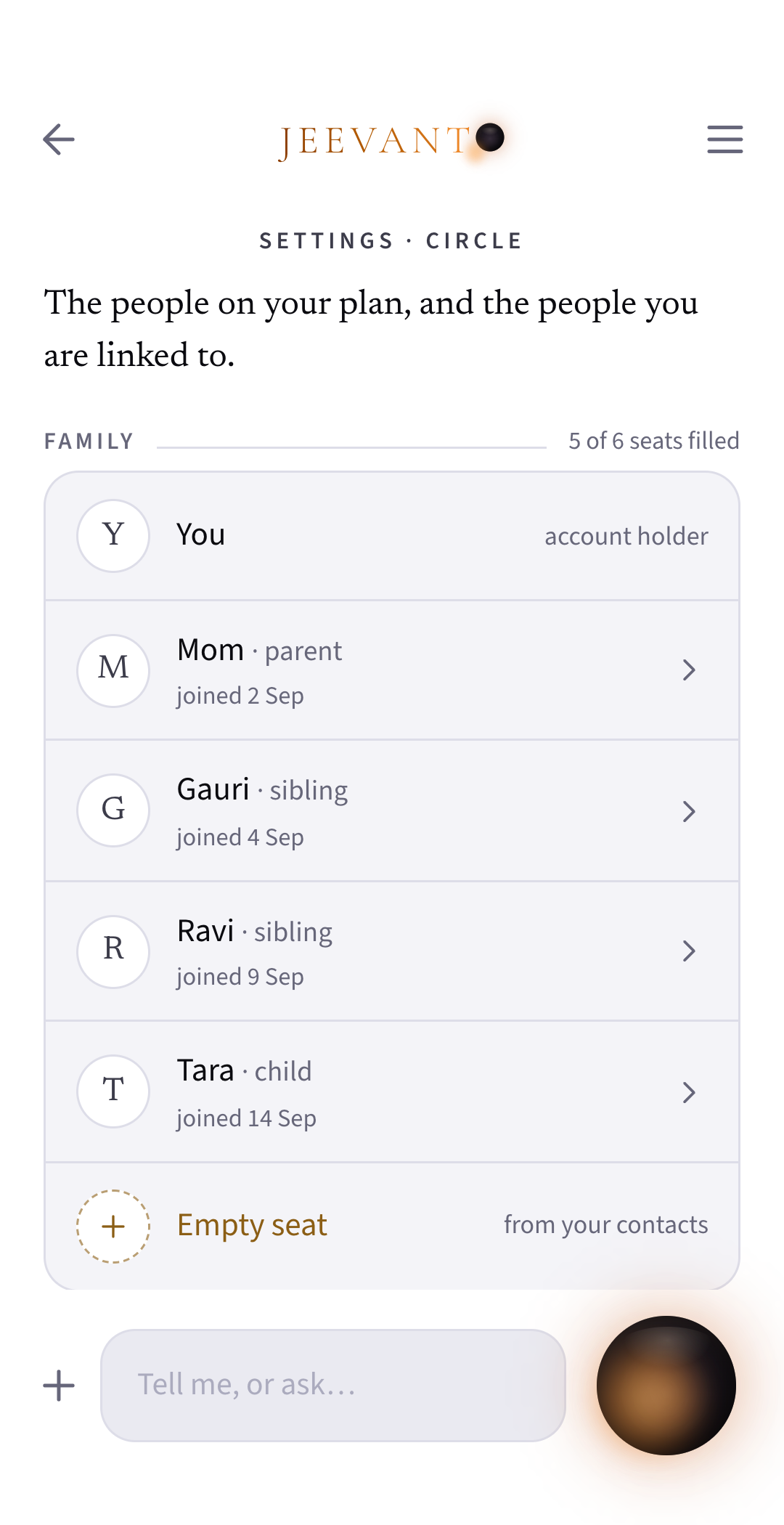
Bring two or more people onto one Family plan, and add or remove people as life changes.
Who can join
A couple, parents and their children, both sets of grandparents: anyone you call family, as long as they’re 18 or over.
Private to each
Each person’s Jeevanto is private to them. Being on one plan opens nobody’s account, not even to the person who pays.
Helping each other
Someone on your plan can let you help in their Jeevanto, and they choose what you may see and do. Inside their Jeevanto you can finish a booking or a job that needs paying, and pay for it yourself, where kin can only get it ready for them to say go. It uses no kin seat.
Acting for them
From your own Jeevanto you can book, order or get a job done for someone on your plan and pay for it, using what they’ve shared with you, or hand it to them to approve. An order can go in the family’s shared cart if they’ve shared that store with you. Send and Errands stay theirs alone.
Share with everyone, orwith one or two, orjust keep it to yourself.
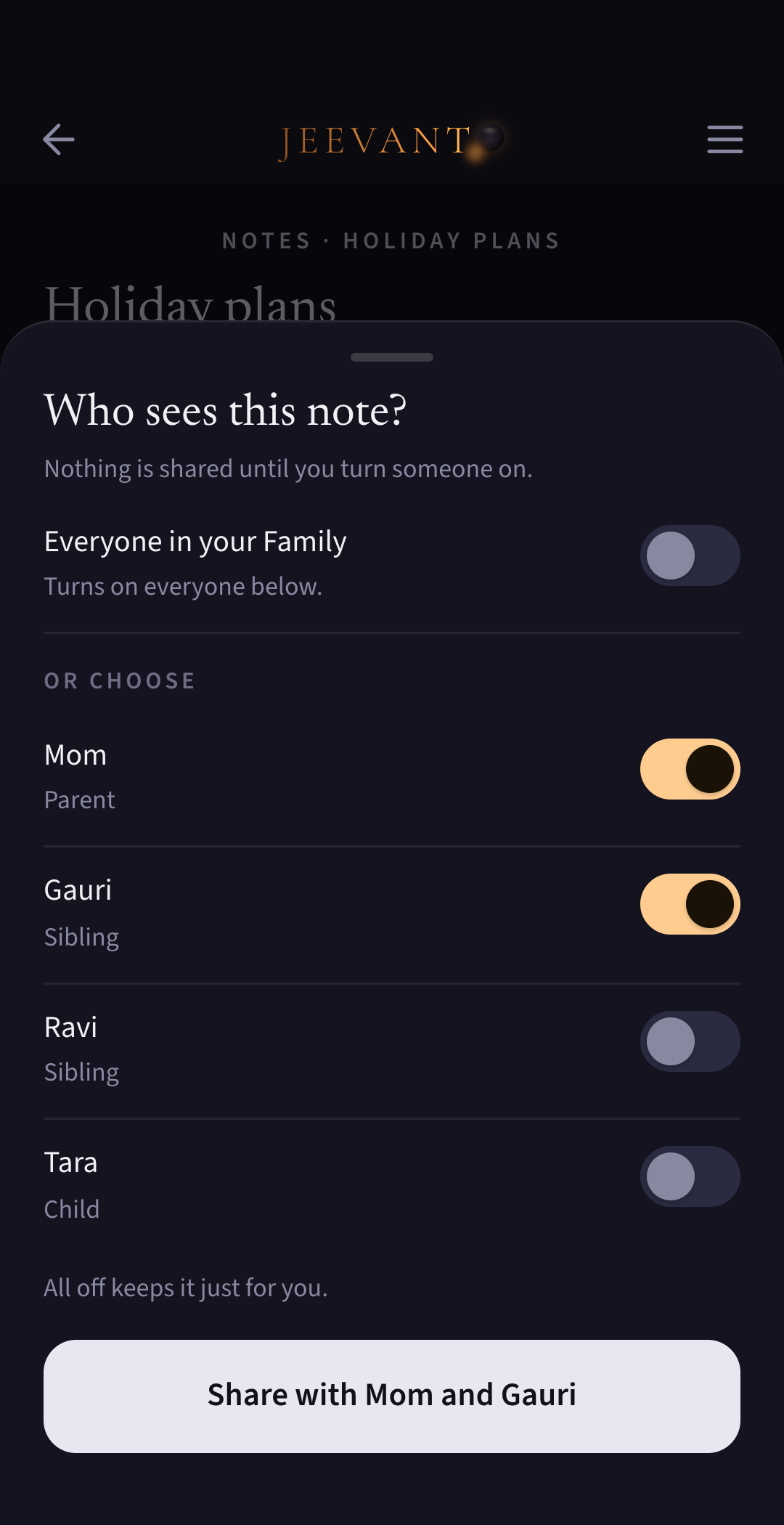
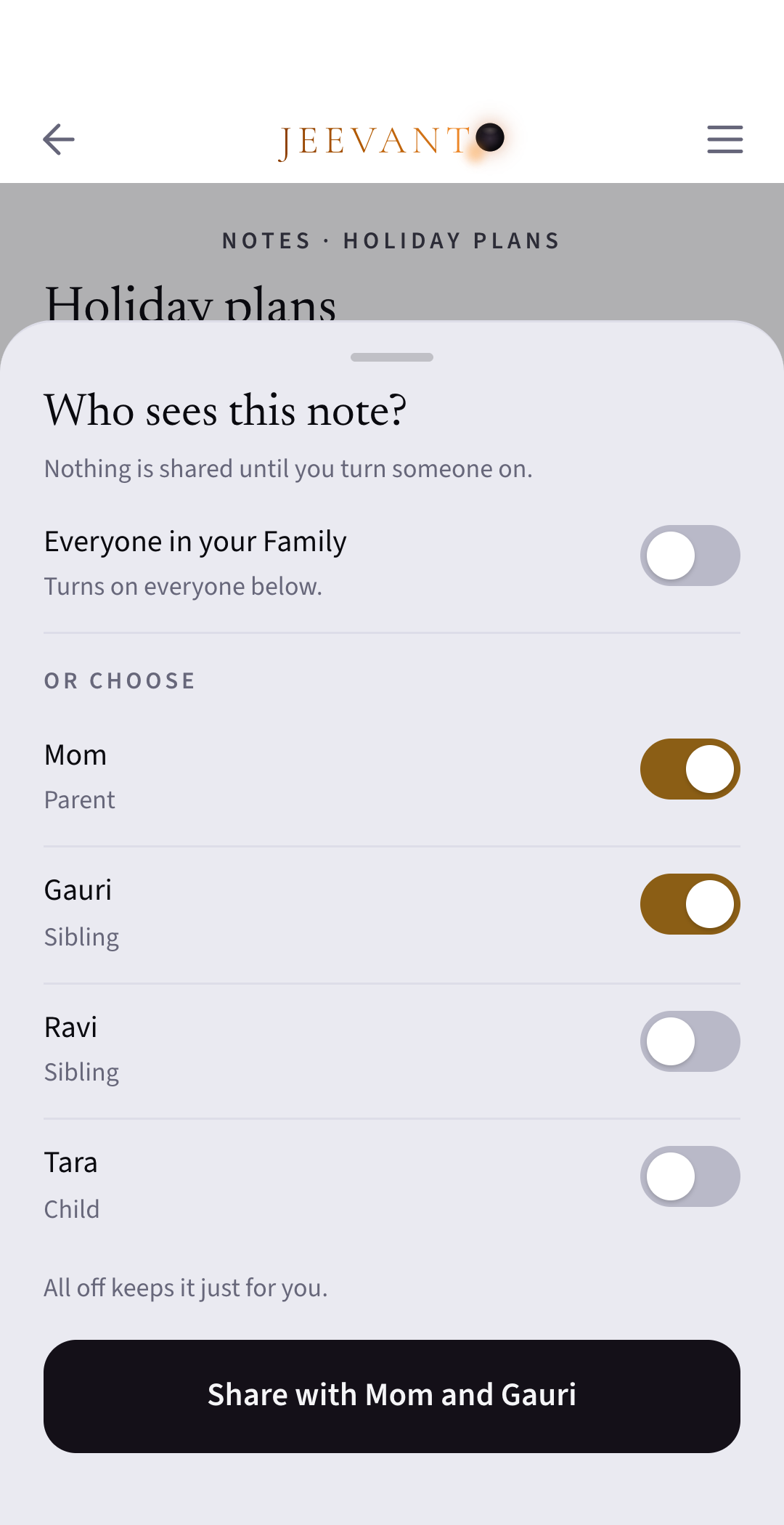
Nothing is shared until you share it. Then you choose who: the whole family, one or two of them, or just you.
With everyone
The babysitter’s number. The school’s term dates. The holiday plans.
With one or two
Mom’s birthday surprise, with everyone except Mom. Your passport copy, with Ravi only.
Just you
Your own notes. Your tax returns. Anything you haven’t chosen to share.
They can use it
What you share, they can see and use. When they ask their own Jeevanto, it answers and says you shared it. Only you can change it.
New members
“The whole family” means the people on your plan on the day you share something. When someone new joins, Jeevanto asks you before sharing anything with them.
Share a store login, never the password.
On a Family plan, one person can fill a cart and another can pay for it, in the same account and at the same price.
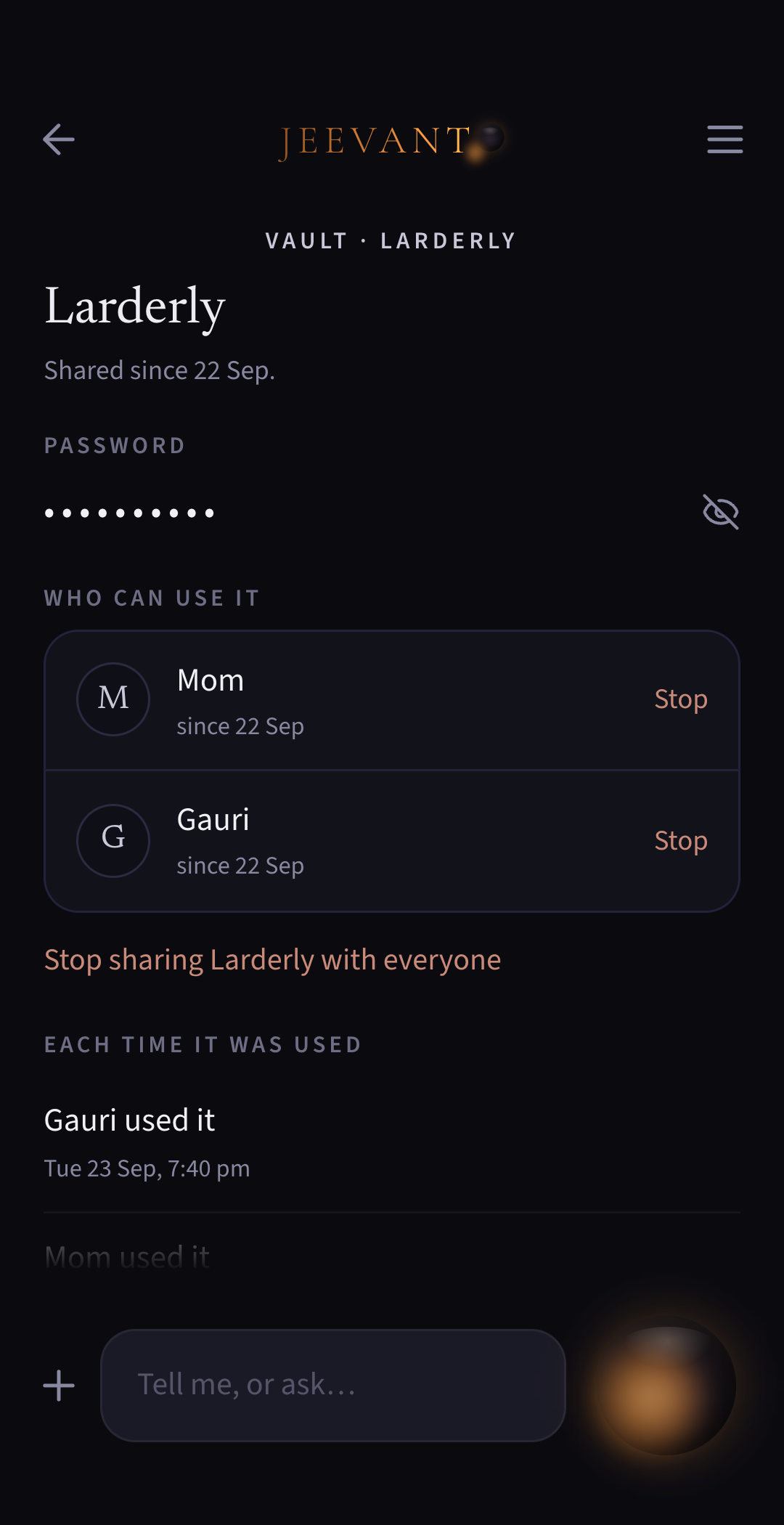
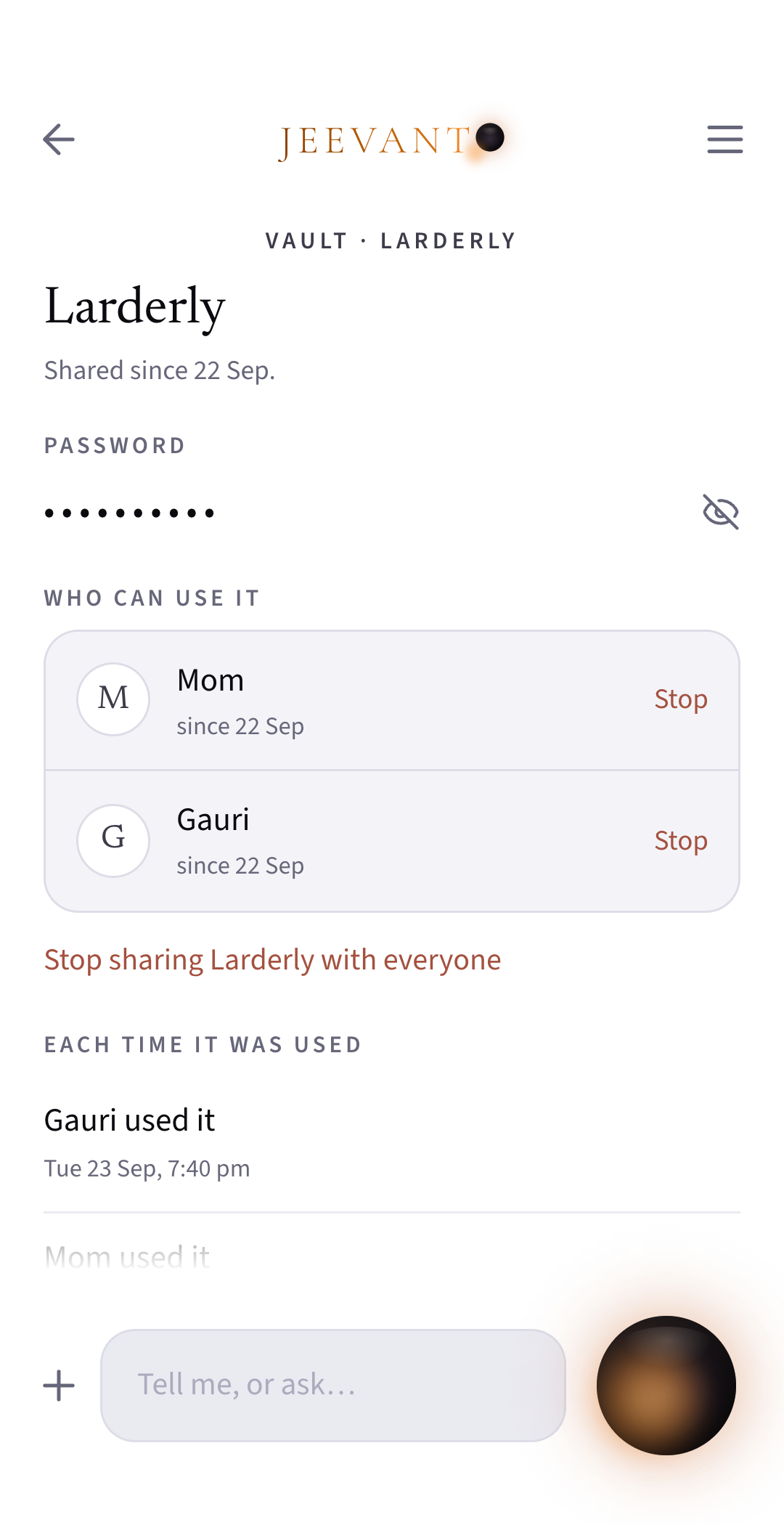
Password hidden
They never see your password.
Saved cards
Anyone you share a store with can use it as you do, including a card saved in that store.
Every use shown
You see every time a shared login is used: who used it, and when.
Never shared
Bank and email logins can never be shared.
Help a parent in their Jeevanto, or let your child* help in yours.
Kin is one link with two ends.
* Everyone in a Circle is 18 or over.
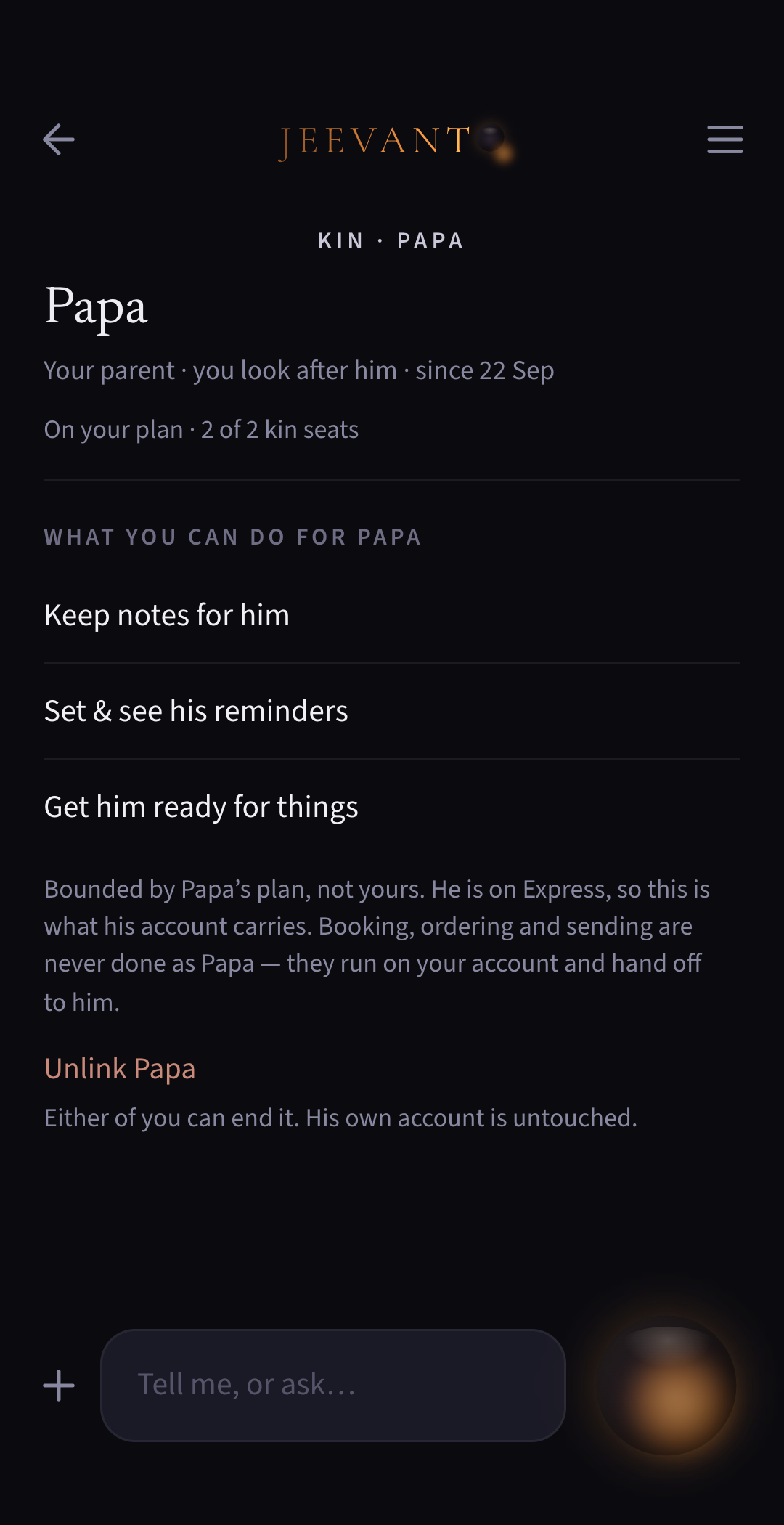
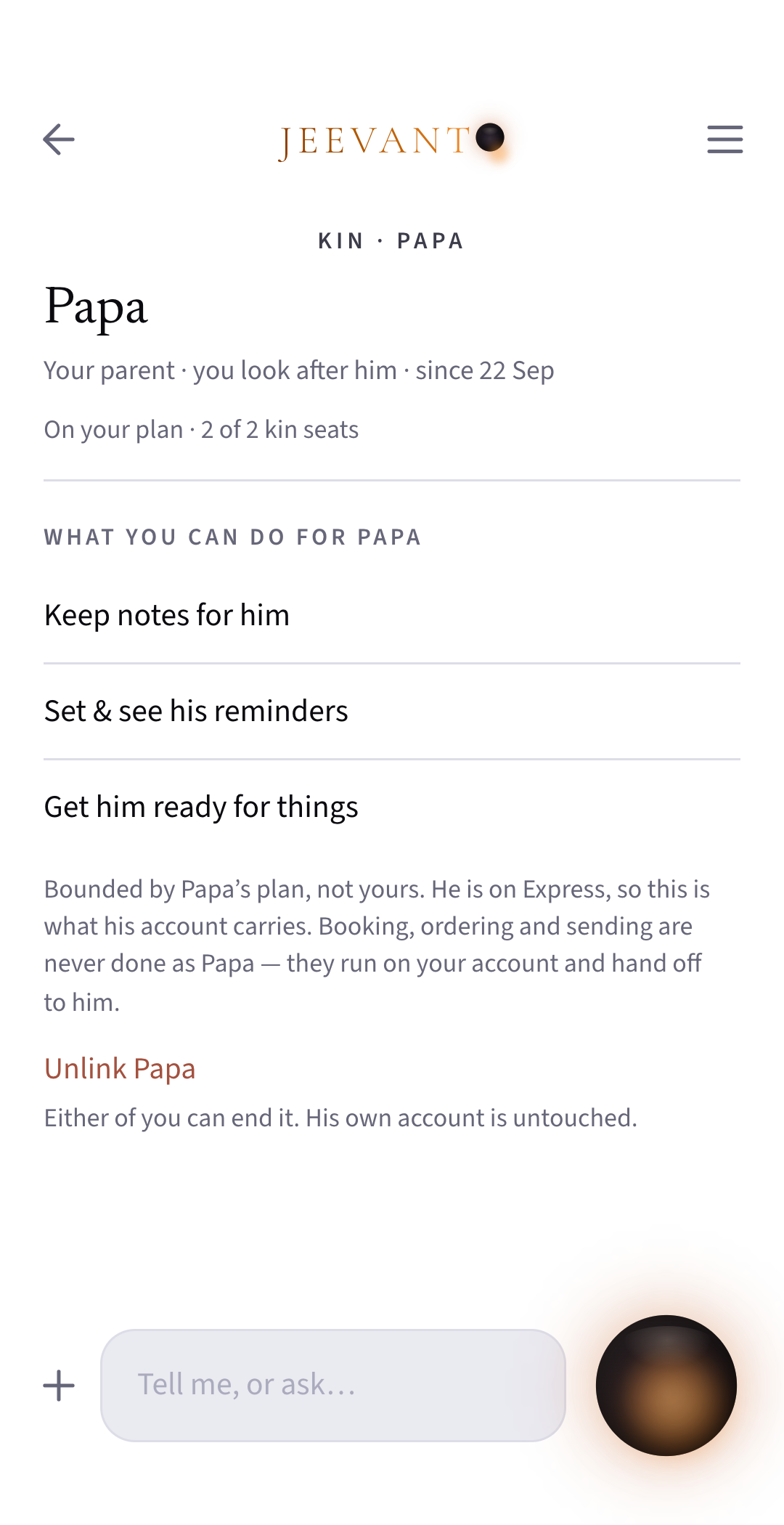
You look after them
Help Papa with his reminders and appointments inside his Jeevanto, as far as he allows. His forms too: inside his Jeevanto if his plan includes it, or from your own Jeevanto if you’re on Plus or Family, using what he’s shared with you.
They look after you
Let Tara help in yours, and see everything she does.
Both ways
You can look after Papa and have Tara look after you, at the same time.
Either can ask
A parent can invite a child, or a child can invite a parent.
One pool of seats
Your kin seats count both ways. A seat is used by whoever sends the invitation: if Papa invites you to look after him, it’s the kin seat from Papa’s account that’s used; if you invite Papa so you can look after him, then it’s the kin seat from your account.
Joining the Family
If someone you’re linked with joins your Family plan, your kin link ends (and frees the seat immediately), because you’re family now. If they later leave, either of you can link again with a new invitation.
Always clear whose
When you’re helping Papa, his name stays at the top of your screen, so you never mistake his Jeevanto for yours.
You decide what they see and do, one yes at a time.
Nothing is open to a care-giver until you allow it.
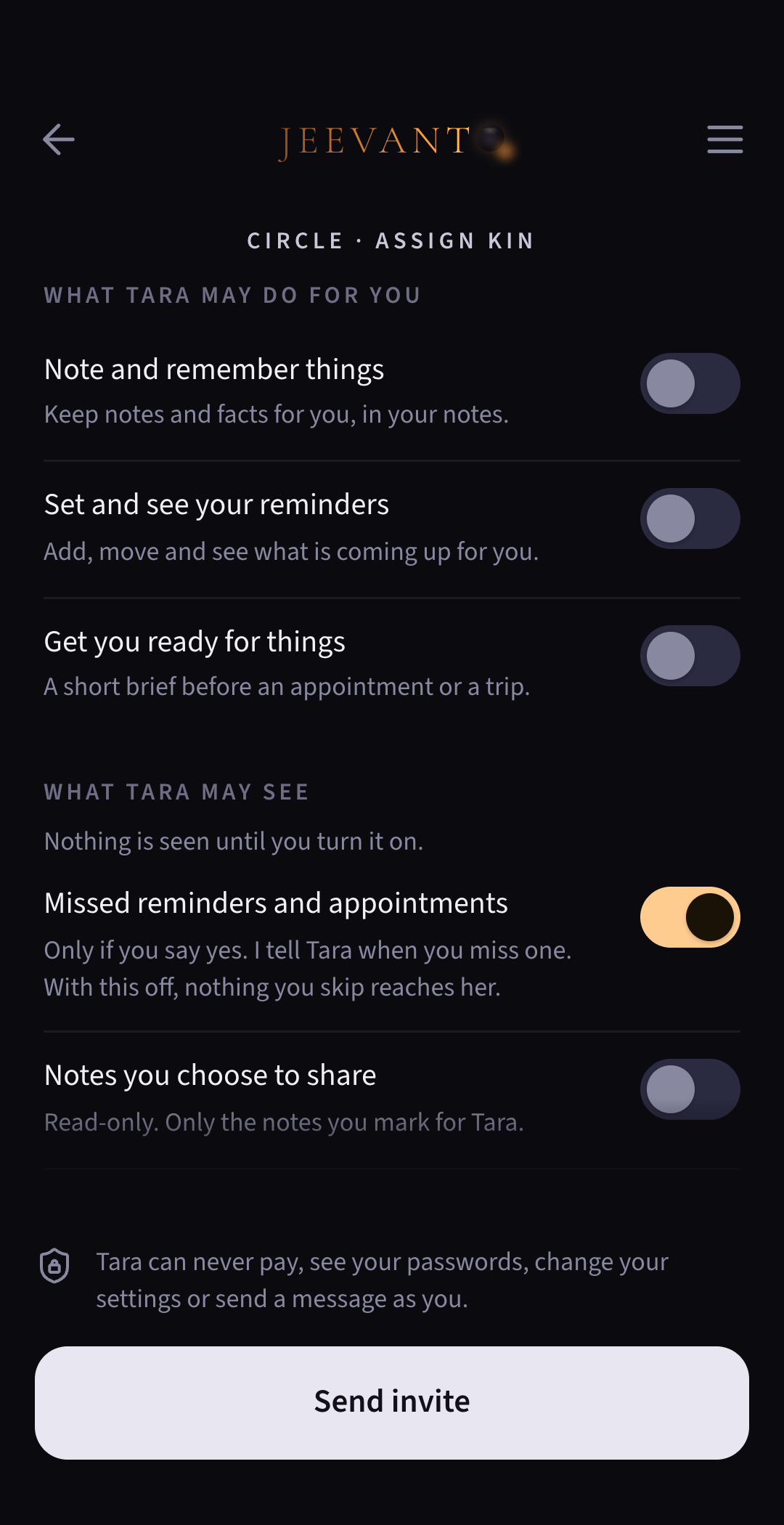
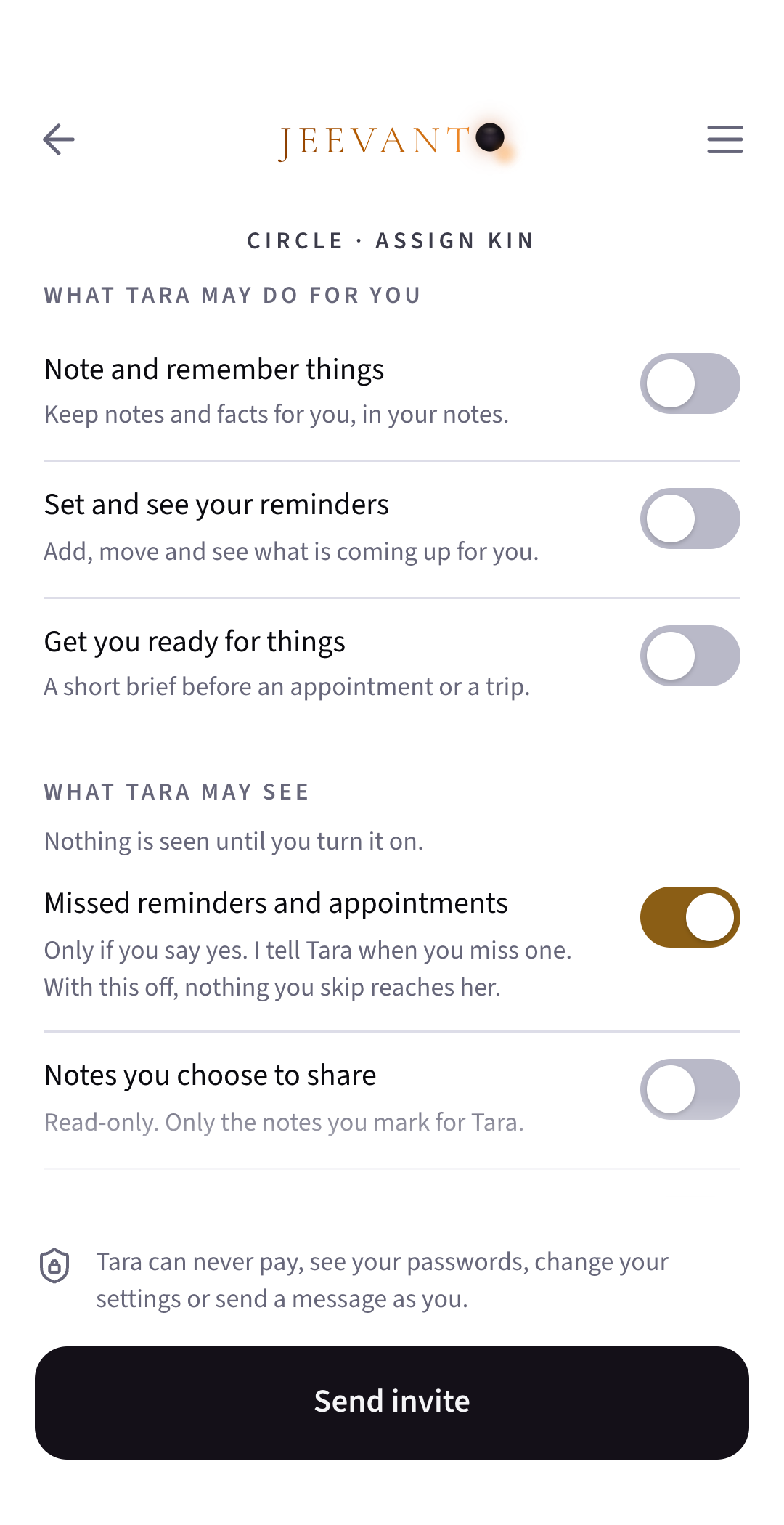
What they may see
Your details in your Jeevanto, if shared with your care-giver, can also be used by them when they act for you from their own Jeevanto. Each one is its own yes. They’re told when you miss a reminder or an appointment only if you say so.
What they may do
Based on the plan you’re on, what your care-giver may do is also your choice: notes, reminders, finding what you’ve kept, getting you ready, keeping a lookout, filling in your forms, or getting a booking ready for you to look over and say go.
Within your plan
They can do only what your own plan does.
Never allowed
Some things a care-giver can never do in your Jeevanto: pay with your money, see your passwords, change your settings or send a message as you. A store login can reach them only if they’re on your Family plan and you share it, and then they can use it as you do, including a card saved in that store.
Always visible
You see everything they’ve done, and you can change any permission at any time.
Pause it, end it, leave. Nothing you made is lost.
Help can be paused or ended, plans can change, and people can leave.
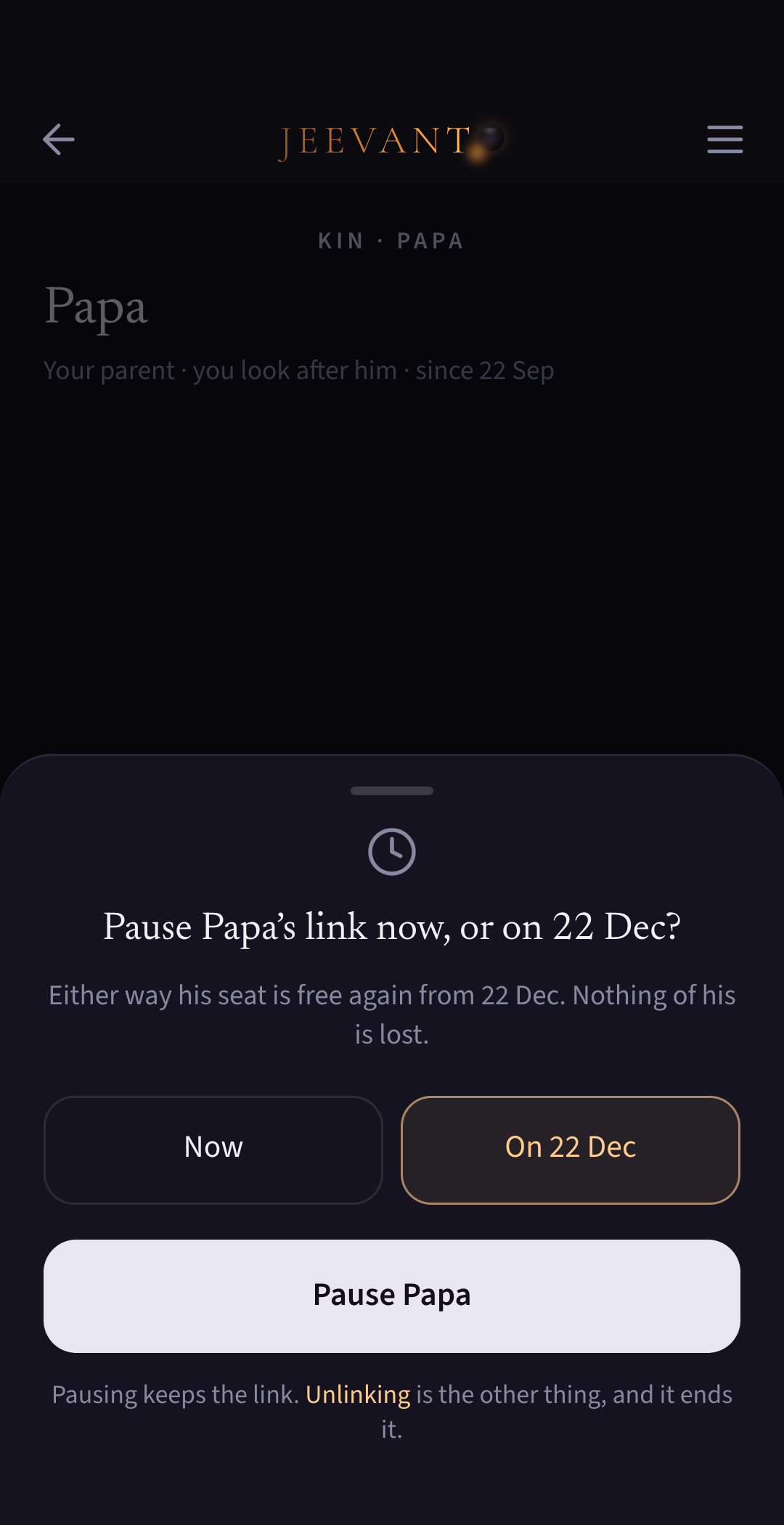
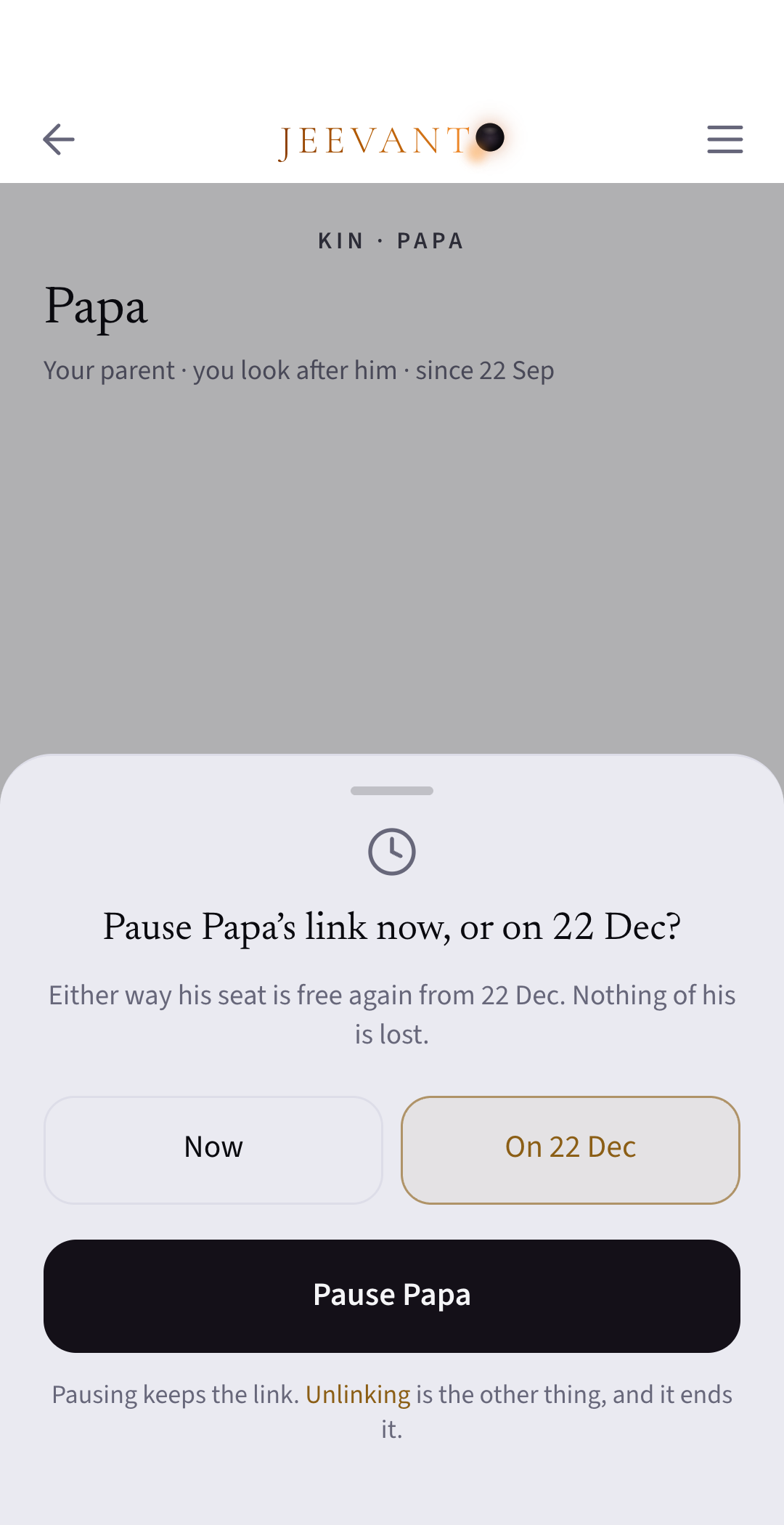
Pause or end
Either of you can pause the kin link or end it at any time, and the other is told each time it changes. A pause can be in effect immediately or from the renewal date. A kin seat freed by pausing or ending can be used again from the renewal date.
Fewer seats
If you move to a plan with fewer kin seats, you choose which links to pause. Nothing on either side is lost.
Leaving Family
Leave whenever you like. What you shared stops being shared, and logins you shared stop working for the others at once. It disappears from their Jeevanto. Anything they copied down before stays with them, as it would in life. You land on Express, with everything you made, unless you take your own Plus that day. Your kin links with the family end. Your seat stays on the Family plan until the person who pays removes it.
Joining from Plus
You join at once. Your Plus stops renewing and runs to the end of the month you’ve paid for. No refund on monthly Plus. On yearly Plus, the months you’ve used are charged at the monthly price, and the rest is refunded.
When Family ends
Everyone keeps Family until the end of the month already paid for, and hears as soon as the end date is known. Anyone can take up their own Plus, starting the day Family ends, with no gap and no paying twice. If a payment fails, Family carries on for 7 more days. If nobody chooses a plan, everyone carries on free on Express, with nothing lost.
Nothing is lost
Whatever changes, everything each person made stays theirs, unless they choose to start fresh or delete their account.
An invitation, a code, and your yes.
No link to tap, just a code that works once.
From your phone
You send the invitation yourself, by WhatsApp, text or email. Jeevanto writes the words.
No links
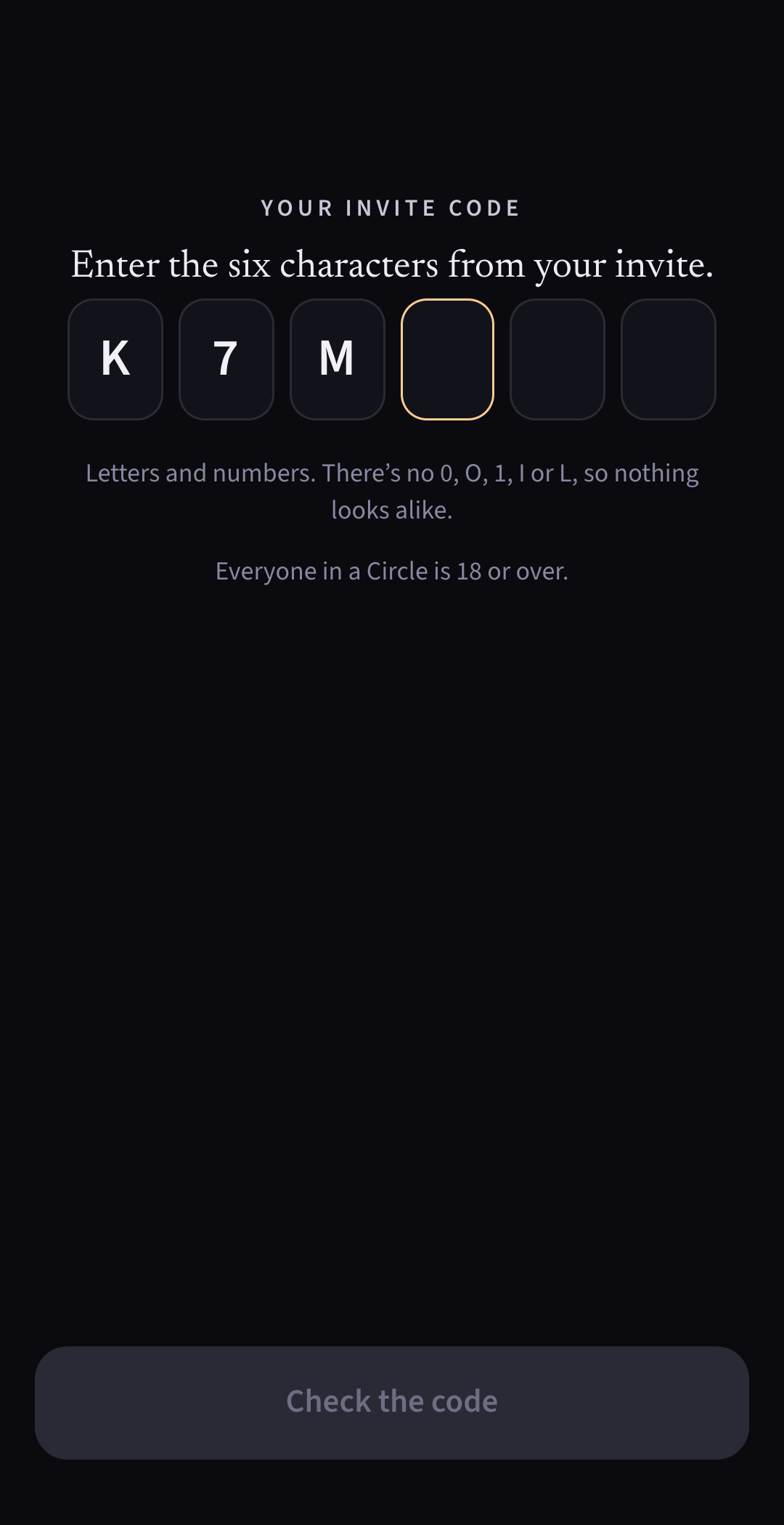
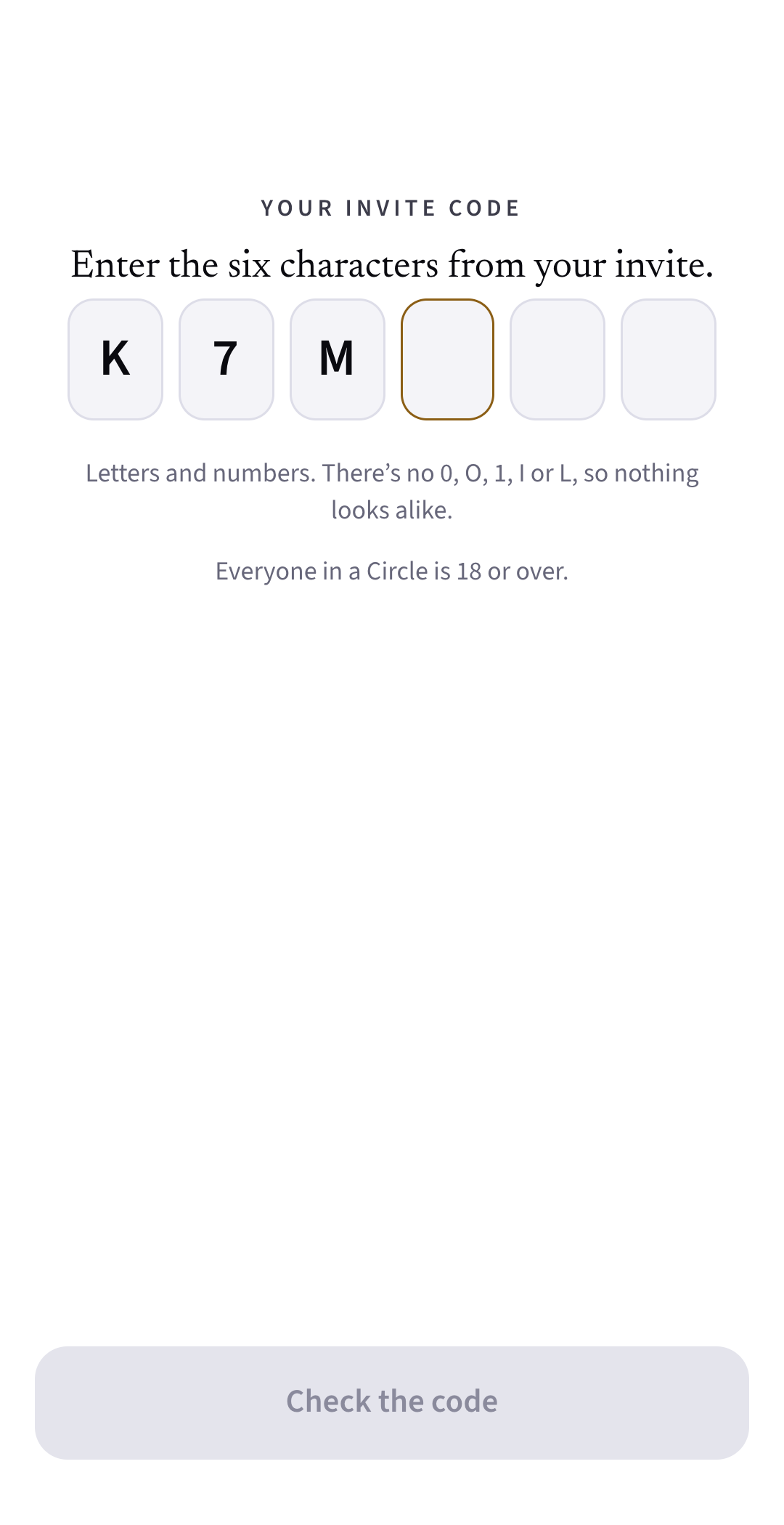
There’s no link to tap. They get Jeevanto from the App Store or Google Play and enter the six-character code.
Once, 14 days
The code works once, for 14 days. You see when it’s used, and you confirm it’s really them before anything is linked.
Chosen relation
You pick how they’re related to you, such as Papa, sister or son, from a list.
Adults only
Everyone in a Circle is an adult, 18 or over.
Free months
Someone new to Jeevanto gets 3 free months of Plus, once, starting the day they first open the app with your code. Joining, again or in a Family, never restarts or extends the offer.